FlowVella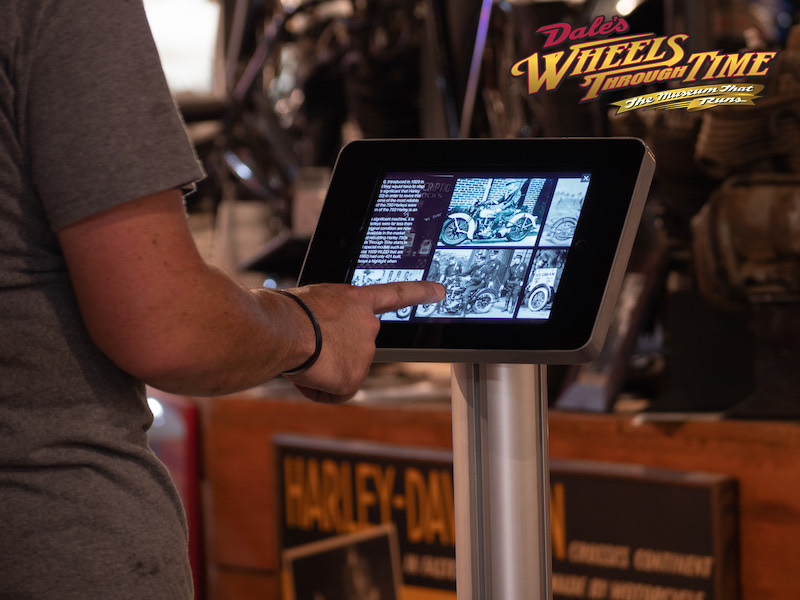
The iPad Kiosk in 2026: Lockdown Basics, and Where AI Fits
We’ve spent a decade watching businesses put iPads in front of visitors — in museums, showrooms, trade show booths, and lobbies. The technology keeps changing, but the questions we hear are remarkably stable: How do I lock this thing down? What software should run on it? And lately — where does AI fit in?
So we put together two in-depth guides that answer those questions properly.
The fundamentals: locking down an iPad
Every kiosk project starts the same way: you need the iPad to stay in one app, no matter who touches it. Apple gives you two built-in tools for this — Guided Access for quick, temporary locking, and Single App Mode for permanent, unattended deployments — and choosing the right one (and setting it up correctly) is where most projects stumble first.
Our iPad kiosk mode guide walks through both, step by step: enabling Guided Access in two minutes, supervising an iPad with Apple Configurator for Single App Mode, a comparison table of when to use which, and the stands and enclosures that finish an unattended deployment.
The 2026 shift: kiosks that hold conversations
The bigger change is what kiosks can do now. For fifteen years a kiosk was a decision tree behind glass — designers guessed every question a visitor might ask and drew a screen for each one. Large language models removed that ceiling. A kiosk grounded in your business’s information can now answer the questions you didn’t predict, in the visitor’s own language, at any hour.
The 2026 AI kiosk guide covers what an AI concierge or digital receptionist actually is (without the hype), the five-layer stack that makes one work, where AI kiosks genuinely earn their keep today, what they really cost, and — just as important — the five ways AI kiosk projects fail.
Where Flow Kiosk fits
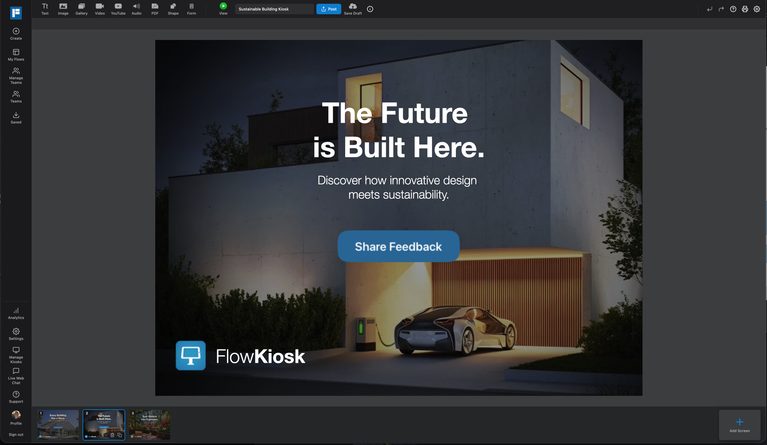
Whatever the lockdown method and whatever the AI ambitions, the layer visitors actually experience is the content — and that’s the layer Flow Kiosk has always been about: create interactive touch experiences once, deploy them to any number of iPads, and update every kiosk remotely. If you’re starting a kiosk project, start with the guides above — then come see how quickly you can get the content layer live.